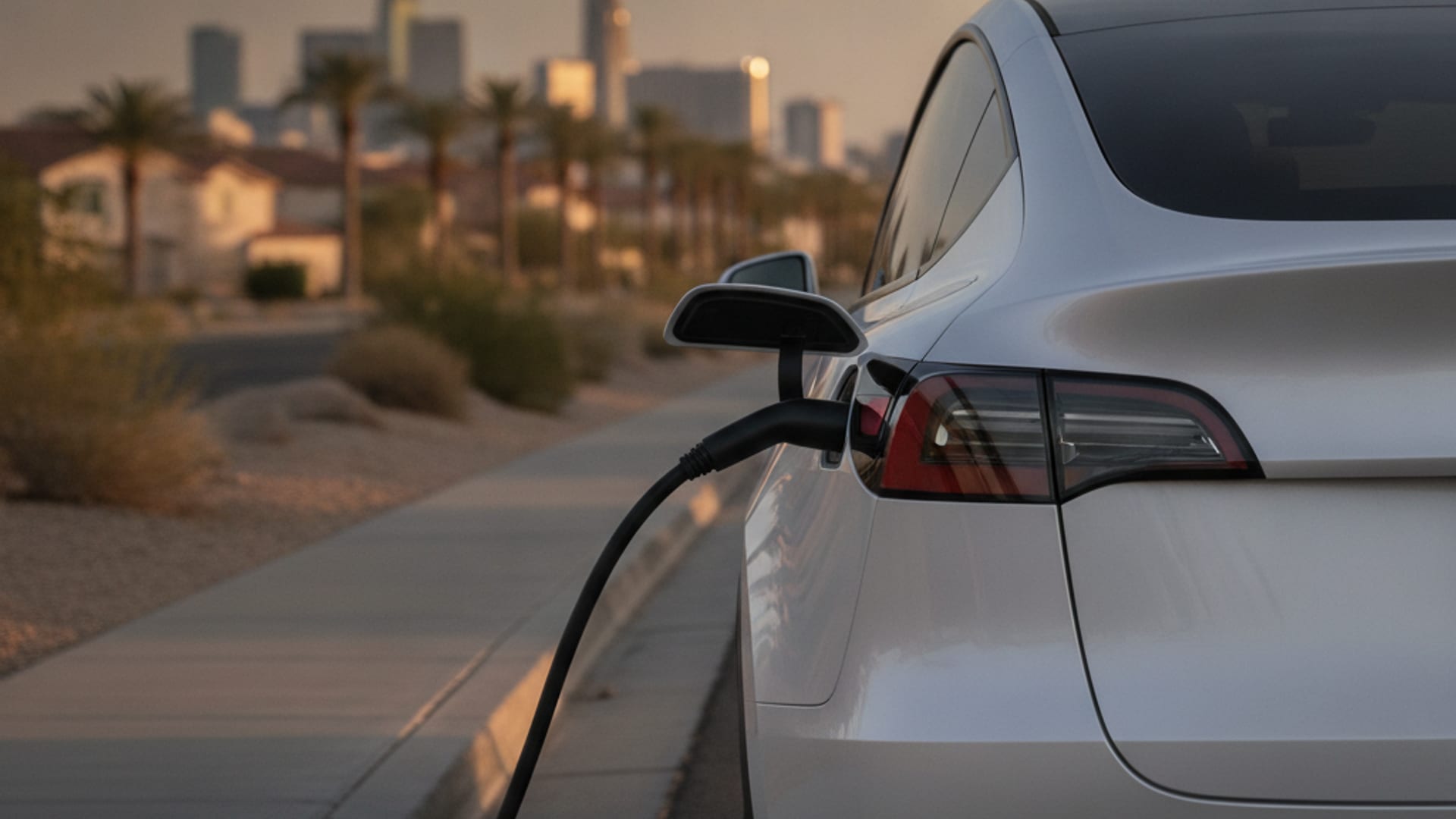
A Rivian R1S sits at a Lake Las Vegas trailhead with the J1772 cable still locked in the charge port. The driver pressed the unlock button on the cable. The Rivian app shows the session ended. The cable won’t release. The latch inside the port has seized from heat expansion and won’t retract. The driver is now on a phone call with the Rivian adventure line and a 45-minute wait.
Why Rivian charge ports seize in the heat
The Rivian R1T and R1S use a CCS1 inlet for DC fast charging and a J1772 inlet for Level 2. The CCS1 port includes a latch mechanism that locks the DC fast cable in place during a session. The latch is a metal-and-plastic assembly controlled by a small solenoid. The solenoid gets a signal from the car’s body control module to retract when the session ends and the cable button is pressed.
In Las Vegas Valley heat, the metal and plastic expand at different rates. The official NWS Las Vegas record shows an average July high of 104.5F at KLAS, with about 78 days a year at or above 100F. A port sitting in direct sun at a trailhead or parking lot can reach 150F. The latch is then slightly out of alignment from its design tolerance. The solenoid still retracts, but the catch on the cable stays hooked because the plastic housing has expanded around it.
A second cause is grit. The desert wind carries dust. The monsoon carries fine sand. A connector that has been through a dozen sessions in a summer collects grit in the latch area. The grit acts as a wedge that prevents the cable’s release button from fully depressing.
A third cause is cable-side, not car-side. Some J1772 connectors from non-Rivian networks have a stiffer release button that requires more force to depress. The Rivian’s latch responds correctly, but the cable’s button doesn’t quite push far enough to release. The driver presses the button repeatedly and the cable doesn’t move.
What the failed moment looks like
The driver presses the cable button. Nothing happens. The Rivian app shows the session ended, but the port light stays white or yellow instead of going dark. The driver presses the button on the cable again. Still nothing. The driver tries the unlock command from the app. Still nothing. The cable is locked.
A driver who tries to force the cable out by pulling on it can damage the port, the cable, or both. The latch is rated for normal release force, not for a 50-pound yank. A damaged port is a service-center repair, not a roadside fix.
The Rivian app will sometimes show a “Cable stuck” warning after a few minutes. The car has detected that the latch didn’t release and is asking the driver to try again. The warning often comes with a recommendation to try the manual release, which is what the operator carries tools for.
The right way to release a Rivian port in the heat
The Rivian R1T and R1S have a manual release cable that runs from the charge port to a service panel inside the vehicle. The R1T manual release is under the rear passenger-side door sill trim. The R1S manual release is under the rear passenger-side door sill trim as well. The driver needs to remove the sill trim, pull the manual release, then return to the port and pull the cable.
An operator who has done this before can complete the release in about 10 minutes. The driver who has never done it is reading the manual in a hot parking lot for 30 minutes.
The second tool is a J1772 release pin. The connector standard includes a small hole on the top of the J1772 connector that, when pressed with a paperclip or a vendor tool, releases the cable’s internal latch. The Rivian’s CCS1 connector has a similar manual release. The operator carries both tools and knows which one to use.
The third tool is patience. A heat-seized port that won’t release at 110F may release at 95F. The driver can park the car in the shade, run the cabin climate for 10 minutes, and try again. The expansion of the plastic housing drops as the temperature falls, and the latch can retract.
What to do before the operator arrives
Move the car to a legal parking spot if it’s in a traffic lane. Turn on hazards if the car is in a lot with active traffic. Don’t try to force the cable. Don’t disconnect the 12V battery.
If the car is in a private lot, check with the property manager before calling. Private-property tows under NRS 706 require posted signs and a 48-hour warning sticker before removal. A disabled car is allowed to sit briefly.
Have the model and year ready when calling. The manual release location differs slightly between the R1T and R1S. The operator confirms the model before dispatching.
Mobile EV charging covers the energy delivery once the port is unstuck. EV roadside assistance is the umbrella for this scenario.
When the operator can also deliver energy
Once the port is unstuck, the driver often needs energy to reach the next working public charger. The operator carries a portable Level 2 source with the right adapter for the Rivian’s J1772 inlet. The session takes 15 to 30 minutes for 10 to 20 miles of range. The driver can stay in the same lot.
A Rivian in Boulder City, Primm, or Sandy Valley may be too far from the operator’s typical service area for a fast quote. The operator confirms coverage before quoting the work.
The cost of the cable release and the Level 2 charge is on the same work order. The operator quotes the combined job before it starts.
What doesn’t help and what does
Yanking the cable doesn’t help. Pressing the button 20 times doesn’t help. Disconnecting the 12V doesn’t help. Calling Rivian Adventure and waiting four hours doesn’t help.
What helps is one phone call to (702) 935-4699. Charge Pro LV connects drivers with operators who carry the manual release tools for the R1T and R1S, the J1772 release pin, and a portable Level 2 source. The operator quotes the work before it starts.
If the cable is still locked after a successful manual release, the operator can confirm whether the port itself is damaged. A damaged port needs a Rivian service-center visit.
For the broader context on Rivian in the valley, Rivian R1T R1S 12V in valley heat covers the related 12V failure mode. Rivian roadside phone and local backup in the valley walks through the Rivian app versus a local operator.
Frequently asked questions
Why is my Rivian charge port stuck in the heat?
The latch inside the port is a metal-and-plastic assembly that expands in heat. At 110F or above, the plastic housing can grip the cable’s release catch. Dust and grit in the latch area make it worse.
Can I force the cable out?
Don’t. A 50-pound pull can damage the port or the cable. Use the manual release under the rear passenger-side door sill trim, then pull the cable.
How long does the manual release take?
About 10 minutes for an experienced operator. A heated cable connector may also need the J1772 release pin.
Will the cable release if I wait for the car to cool?
Often yes. A car parked in the shade for 10 to 15 minutes will drop enough to release the latch. The driver can try again after cooling the port.
The NWS Las Vegas climate page has the official KLAS temperature record. The Rivian Support page on charging covers the official workflow. The U.S. DOE AFDC connector guide explains how the J1772 and CCS1 latches work.